• Request : Support Copy-Paste from Microsoft Word in Post / Article Editor

    Kaustubh Katdare

    Kaustubh Katdare

    @kaustubh-katdare Mar 14, 2026

    We've received a request to support copy-paste from Microsoft Word. Microsoft Word uses a different technique to markup the text; and it's not directly compatible with HTML.

    When text is directly copied from Microsoft Word, it adds unsupported markup in the editor, causing an unexpected behaviour while text editing and saving the drafts.

    I'm creating this request as a placeholder so that we can revisit it in near future. You suggestions, comments, requests are welcome.

    If you want us to implement this feature on priority, please upvote. It gives us shape our product roadmap.

    Type
    Feature Request
    Status
    Released

Replies

Welcome, guest

Join Jatra Community to reply, ask questions, and participate in conversations.

Jatra Community powered by Jatra Community Platform

  • Ambarish Ganesh

    Ambarish Ganesh

    @ambarish Mar 4, 2026

    Interesting use case.
    + following to understand why it could be needed.

  • Kaustubh Katdare

    Kaustubh Katdare

    @kaustubh-katdare Mar 4, 2026

    @ambarish - this is required in a specific case where the contents are first created in a word document and then pasted directly into Jatra's editor.

    When copying, all the markup is copied as well; and it's not your regular HTML. This creates issues when the contents are pasted. We handle cleanup; but cleaning up extra markup and converting into semantic HTML is challenging.

    This makes the editor upgrades tricky; which we want to avoid. Unless the demand for this specific feature grows; we'd keep the editor as it is. Of course, there will be further improvements.

  • ShubhadaJP

    ShubhadaJP

    @BlockChainMentor Mar 7, 2026

    At times, we are unable to click inside the editor to make changes, even though we consistently use the tool you recommended for pasting text (https://wordtohtml.net/).

    Additionally, the editor sometimes auto-updates and overrides manual changes, such as lines we delete or add. In some cases, a text box appears, and even after entering text inside that box, the system still shows an error message saying “Please enter the text.”

    Would it be possible to temporarily restore the previous version of the editor until a more stable way to manage the current one is available?

    At the moment, these issues are making it difficult to update already published articles for SEO improvements and 2026 updates, as well as to post new job listings. After 3–4 attempts using the steps mentioned above, I was finally able to publish a new article yesterday, but the process is still quite unreliable.

    PS: For the last two hours, I have tried adding 3 jobs, updating 1 blog edit, and editing 2 discussion threads for SEO improvements — but none of these changes went through.

  • ShubhadaJP

    ShubhadaJP

    @BlockChainMentor Mar 7, 2026

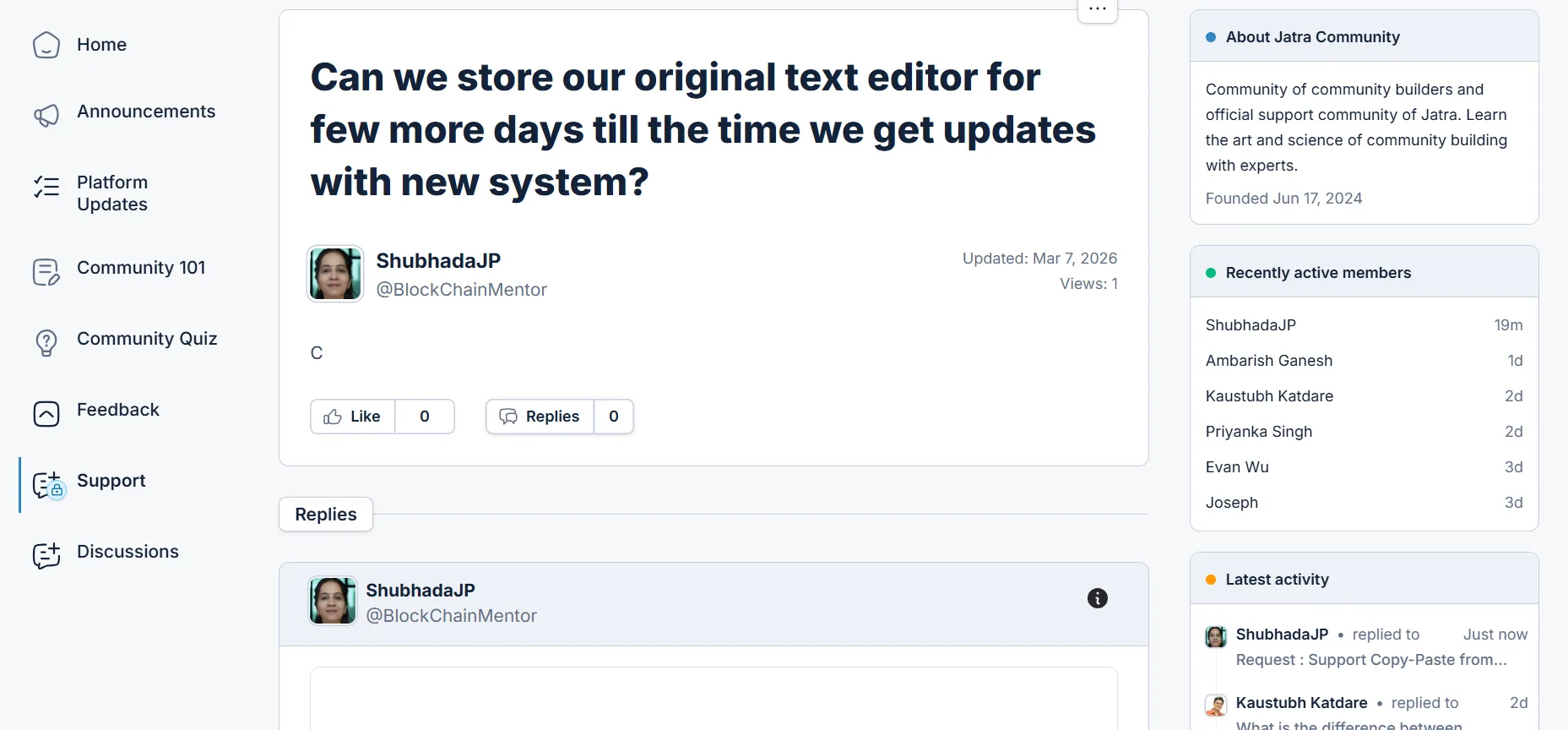
    Just now I tried to submit a request to Jatra Support. Here is the evidence. No text inside the query box...only title is appearing

  • Kaustubh Katdare

    Kaustubh Katdare

    @kaustubh-katdare Mar 7, 2026

    @BlockChainMentor - thank you for the details. We're looking into the issue. An update will be provided in the next 24 hours.

  • Kaustubh Katdare

    Kaustubh Katdare

    @kaustubh-katdare Mar 14, 2026

    @BlockChainMentor - We've released a fix that should now allow pasting directly from MS Word or Google Docs.

    It's however strongly recommended to paste content without extra markup / HTML. The best way to find out if the copied text contains unwanted HTML is to find out if the editor retains the formatting - especially the padding around the text and the editor boundaries.

  • ShubhadaJP

    ShubhadaJP

    @BlockChainMentor Mar 14, 2026