

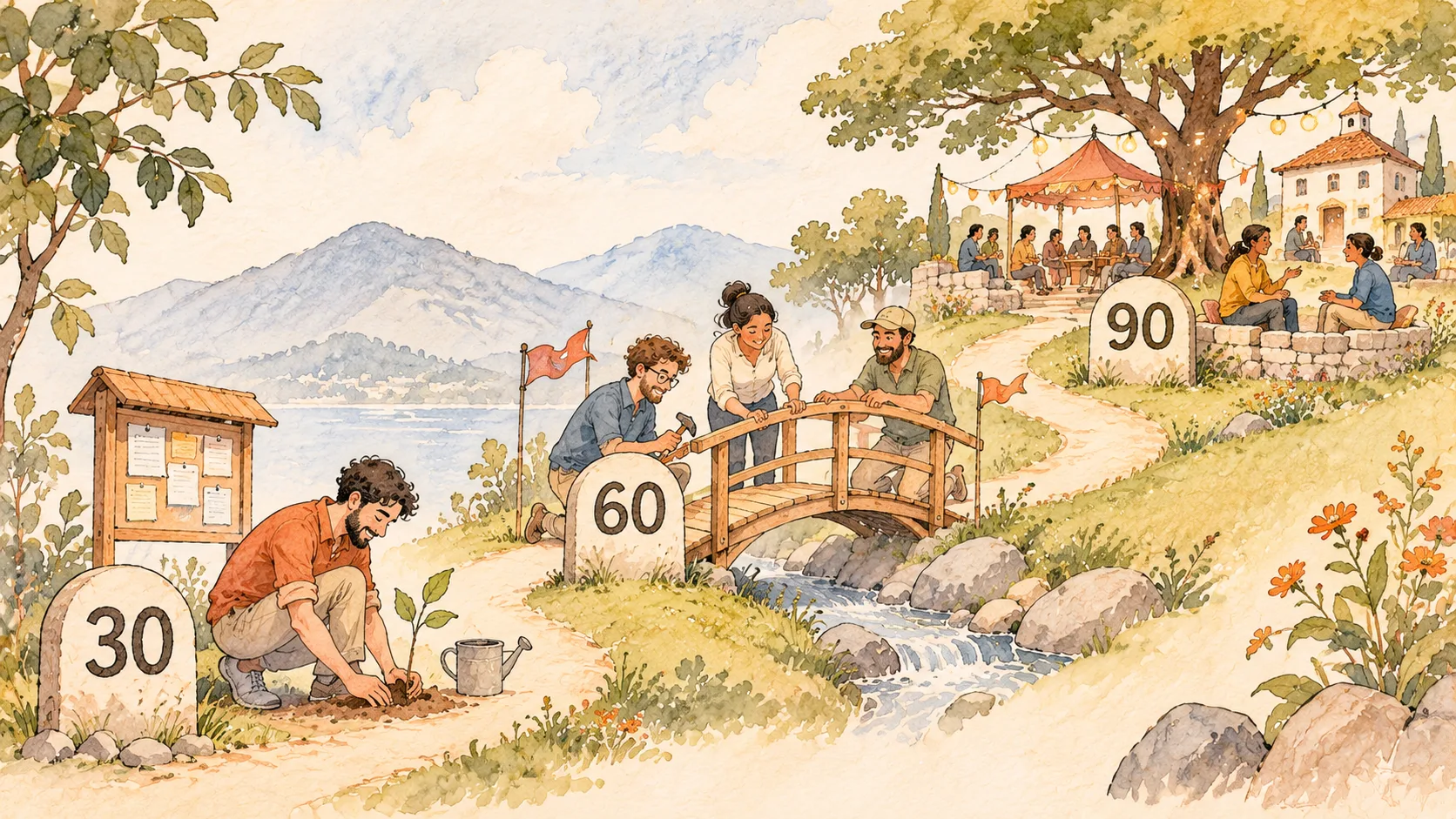
Community Launch Plan: A 30-60-90 Day Roadmap

For the first three to four weeks of CrazyEngineers, I was the only person posting. Every question and every answer on the site came from me, and it stayed that way until the first real members found their way in. Nobody had told me that a community doesn't launch on a single day, so I learned it the slow way.
A community launch takes about three months, and it works best in three focused phases:
Days 1–30: Foundation Define your purpose, set up the platform, seed content and invite a small beta group.
Days 31–60: Launch Launch your community, onboard new members, kick off conversations, collect feedback and spark engagement.
Days 61–90: Growth Analyze what's working, refine your strategy and accelerate growth.
This 30-60-90 day community launch plan gives you a clear roadmap to go from zero to an active space your members actually come back to.
Before you start, make yourself familiar with the concept of Minimum Viable Community.
Why launching a community feels overwhelming
There's a lot to do before you announce your community to the world. You have to pick the right community platform, get your initial members, seed content, write community guidelines and much more.
This guide breaks the community launch process into a step-by-step, 90-day action plan so that you can launch your community with confidence.
Days 1-30 | Foundation Phase
The first month is all about building a strong foundation. You'll spend it planning and preparing, and nobody outside your beta group needs to see the community yet. Here are the key steps.
1. Define the community mission
The most important part of launching a community is defining why it should exist. What value will members get, and which business goals will the community support?
A well-defined mission gives you focus. It aligns your internal teams (marketing, sales, customer success) and tells potential members why they should join.
My advice here is simple: nail the niche. CrazyEngineers was a general engineering community, but it grew because we focused only on innovative ideas. I call it a broad niche. Not sure that's even a term.
2. Pick the community platform
A good community platform can make or break your community. First, decide whether you want to build an open community or a closed community. At Jatra, we advocate a hybrid community, where at least 80% of the content is open to everyone without logging in. Open communities drive organic sign-ups through SEO.
We run our own community this way. Discussions, articles and resources are public, while our customer feedback and support channels stay private. That way bugs and complaints stay out of Google, and our customers still feel heard.
Whichever way you go, pick a platform that fits your community's mission and growth strategy.
3. Identify your target audience
Know exactly who your ideal members are. Build a member persona for your community by asking these questions:
Who will find your community valuable?
What do they care about?
What are their top motivations?
What are their personal and professional goals?
What is their biggest pain point or fear?
The answers will shape your community structure, your content strategy and the member engagement activities you plan later.
4. Seed painkiller content
With a clear mission and a good idea of your audience, start seeding content. Focus on painkiller content.
What's painkiller content?
It's any content that immediately solves a problem for your members. It could be a discussion, an article or a webinar. Figure out which format works best for your audience.
Nobody likes to post in an empty community, and nobody wants to be the first one to take action. When I asked my friends to contribute to CrazyEngineers in the early days, all of them refused. So I did what I had to: I created about five accounts, asked questions from one and answered them from the others. Later, once a few friends joined in, we were putting up 20 to 50 posts a day between us.
Tip: Seeding with extra accounts works, and Reddit's founders did the same thing. Retire those accounts as soon as real members start posting.
Building this initial content base is the job community managers must do. Before you move to the launch phase, aim for at least 20 to 50 pieces of unique content in your community.
By the end of the first 30 days, you should have a launch-ready foundation. This is also a good time to set up basic analytics with tools like Mixpanel, PostHog or Google Analytics.
Days 31-60 | Launch Phase
The second phase is about building momentum. You'll introduce the community to the world, collect feedback and double down on content.
It's also time to put your community guidelines and rules in place, so that the culture stays positive and welcoming from day one.
1. Execute the official launch
Kick off this phase with the official launch. For a B2B community, start with a soft launch for your existing customers and users, because they already know you and have a reason to show up. Launchpads like Product Hunt or BetaList come later, once there's enough activity on the community to impress a stranger.
Display the link to your community prominently in your support widget, your website's top menu and the footer. Make it easy for people to discover your community. It also helps search engines crawl it.
Keep in mind that you'll have to launch your community again every few months, so don't panic if nothing happens right away. A slow start is normal. At CrazyEngineers, I promoted the community in Yahoo Groups and Yahoo Messenger chat rooms for almost a year. I got banned from many of those rooms, and all that effort brought in roughly the first 100 members.
2. Onboard new members personally
When you onboard new members, personalization is the key. Make it a special experience for every person who joins, and hold off on automation for now.
Start one-on-one conversations through direct messages. Run a live orientation webinar, or do calls and virtual meetups with your early members.
People stick around when they see people like themselves, so introduce every new member to at least one person who shares their interests. On Jatra, the onboarding flow does this automatically by showing each new member three to five people who picked the same interests.
Read our "Community Onboarding Guide" to learn how to set up a proper onboarding flow.
3. Encourage content creation and member networking
Even with high-quality content in place, people hesitate to start new discussions. That's okay.
Here are some ways to get members creating content and talking to each other:
@mention new members in your comments on existing threads and ask for their input.
DM members and ask for their thoughts on important topics.
Publicly acknowledge a member's contribution.
Introduce members with similar interests and profiles to each other.
It's a lot of hard work, but the results compound. Your job is to build a group of core members who feel connected to the community and drive its growth.
4. Gather feedback
Be active about collecting feedback. Your early members will tell you what they expect from the community. At Jatra, we introduced an entirely new post type with upvotes to make collecting feedback easy. Read: Jatra is an Upvoty Alternative.
Feedback helps you refine your community growth strategy. By the end of this phase, check these metrics:
Total registered members
Total discussions / topics created
Number of replies per topic
Number of active members
Focus on the KPIs that matter most for your community.
Days 61-90 | Growth Phase
Your community has been live for two months, and you have real feedback from members. It's time to step back and see how things line up with your community and business goals.
This phase sets your community up for accelerated growth.
1. Analyze data
Start with the data you've collected over the last 60 days. It tells you what's working and what needs work. Trust the data over your intuition.
Find the content types, themes and topics your members engage with the most, and build a content calendar (like an editorial calendar) around them.
2. Optimise content for SEO
Of all the communities we've built, SEO was the number one growth hack. CrazyEngineers really took off when strangers started finding our discussions on Google, joining and adding their own ideas. Even today, it brings in about 20,000 users a year through image search alone.
Q&A content targets the long-tail keywords people search for all the time, and the same public threads get picked up by AI answer engines too. That means traffic and member sign-ups on autopilot.
Our community SEO guide covers this in detail. Here's the TL;DR:
80% of your content should be Q&A to target long-tail keywords.
20% should be long-form articles.
Submit your XML sitemap to Google Search Console.
Rewrite thread titles when required.
3. Set up a referral program
Make it easy for your core members to invite people from their own circles. A basic referral program is one of the best ways to grow both your member count and your active users.
4. Set up simple gamification
Reward members for the positive things they do in the community: starting a useful discussion, posting a helpful reply, inviting a new member or sharing a resource.
I'm not a fan of leaderboards, though. In my experience, they push away more members than they motivate. Small, meaningful recognition works better, like likes on posts or trophies that members earn for helpful contributions. That's why gamification on Jatra uses trophies and deliberately has no points system.
Final thoughts
You're at the end of your 90-day community launch program. With painkiller content in place, an SEO-optimised platform and a few core members, your community is ready to grow.
Double down on content for the next three to six months and stay actively involved with your members. Listen to their feedback and keep improving.
The hard part is: you have to do most of this on your own in the beginning. Stay committed, keep showing up, and the small group you started with will turn into a community people rely on.